You Launched Your Passenger App!
Now, Let's Get Your First Riders 🚀
Congratulations! You've taken a massive step for your transport business. By launching your very own Passenger app, you are offering your clients a modern, premium booking experience.
But here is the catch: putting your app on the App Store and Google Play is just the starting line. Imagine building the most beautiful, luxurious hotel in the world, but putting it in the middle of a desert without any road signs. Nobody will know it's there! Your app is a product, and every product needs a map to help people find it.
In this easy-to-follow guide, we will walk you through the exact, step-by-step marketing secrets that the most successful transport companies use to promote their apps, dominate their local cities, and skyrocket their daily bookings.
1. The Website: Your App's Home
Before you do anything else, you need a place on the internet where people can download your app.
How to do it:
- Create one new page on your website. Call it "Our App".
- Keep it incredibly clean. Do not clutter this page with text. Keep the design sharp, use plenty of empty white space, and make sure everything is perfectly aligned.
- Add the buttons. Put a huge "Download on the App Store" and "Get it on Google Play" button right at the very top of the page.
- Add a picture. Put one beautiful, clean picture of a phone showing your app right next to the buttons.
Goal: When someone opens this page, it should take them exactly 2 seconds to see the download button.

2. Writing a Blog: Getting Free Visitors from Google
People use Google every day to ask questions like, "How do I get from the airport to my hotel?" You want your website to be the answer. If they read your answer, they will download your app.
Where is the focus? The focus is never on how great your company is. The focus is on solving the passenger's problem.
How to write a blog post (Step-by-Step):
- Pick a simple title: Use exactly what people search for. Example: "The Best Way to Travel from [Your Local Airport] to the City Center."
- Write a short intro: Say hello and explain that traveling from the airport can be stressful. (1 paragraph).
- Explain the options: Talk about regular taxis (and how you have to wait in line) or buses (and how they are crowded).
- Introduce the solution (Your App): Write this exact sentence: "The smartest way to travel is to book your ride before you even land. With the [Your Company Name] app, your driver will be waiting for you."
- Put a big link: Add a link that says: 👉 Click here to download our app and book your ride.
Until this once a week. Over time, Google will send you free visitors every single day.

3. Google Ads: Buying Passengers Who Need You Now
When someone searches "book airport limo," they need a ride right now . You want your app to be the first thing they see. Google makes this very easy with "App Campaigns."
How to launch a Google Ad:
- Go to ads.google.com and create a free account.
- Click the big blue button that says "New Campaign."
- Google will ask for your goal. Choose "App Promotion."
- Pick your location: This is critical! Do not advertise to the whole world. Type in your specific city and your local airports.
- Add your text: Google will ask you to write a few short sentences. Write things like: "Book a premium ride in 3 clicks," and "Your private driver is waiting."
- Set your daily budget: Start small. Set your budget to $10 to $15 per day .
What to expect: Let the ad run for at least 14 days without touching it. Google's computers need time to learn who is clicking on your app.
4 . Facebook & Instagram Ads: Making People Remember You
People on Instagram aren't looking for a taxi right now. But if you show them a cool video of your cars and give them a discount, they will download the app for their next trip.
How to launch a Facebook/Instagram Ad:
- Go to the Facebook Ads Manager .
- Click "Create" and choose "App Installs" as your goal.
- Choose your audience: Tell Facebook to only show this ad to people living in your city, aged 25 to 60 (people who usually travel).
- Upload a video: Do not use a picture. Use your phone to film a short, 10-second video of someone opening a shiny car door.
- Give them a reason (The Hook): In the text of the ad, you must give them a gift. Write: "First time using our app? Download our app for 20% off your first ride!"
- Set your daily budget: Set it to $10 to $15 per day .
Why this works: People love discounts. They will download the app just to save the discount for later.
 5. The Real World: The QR Code Trick
This is the easiest and cheapest marketing you will ever do. You already have passengers in your cars. You need to make sure they use the app next time.
How to do it:
- Go to Google and search for "Free QR Code Generator."
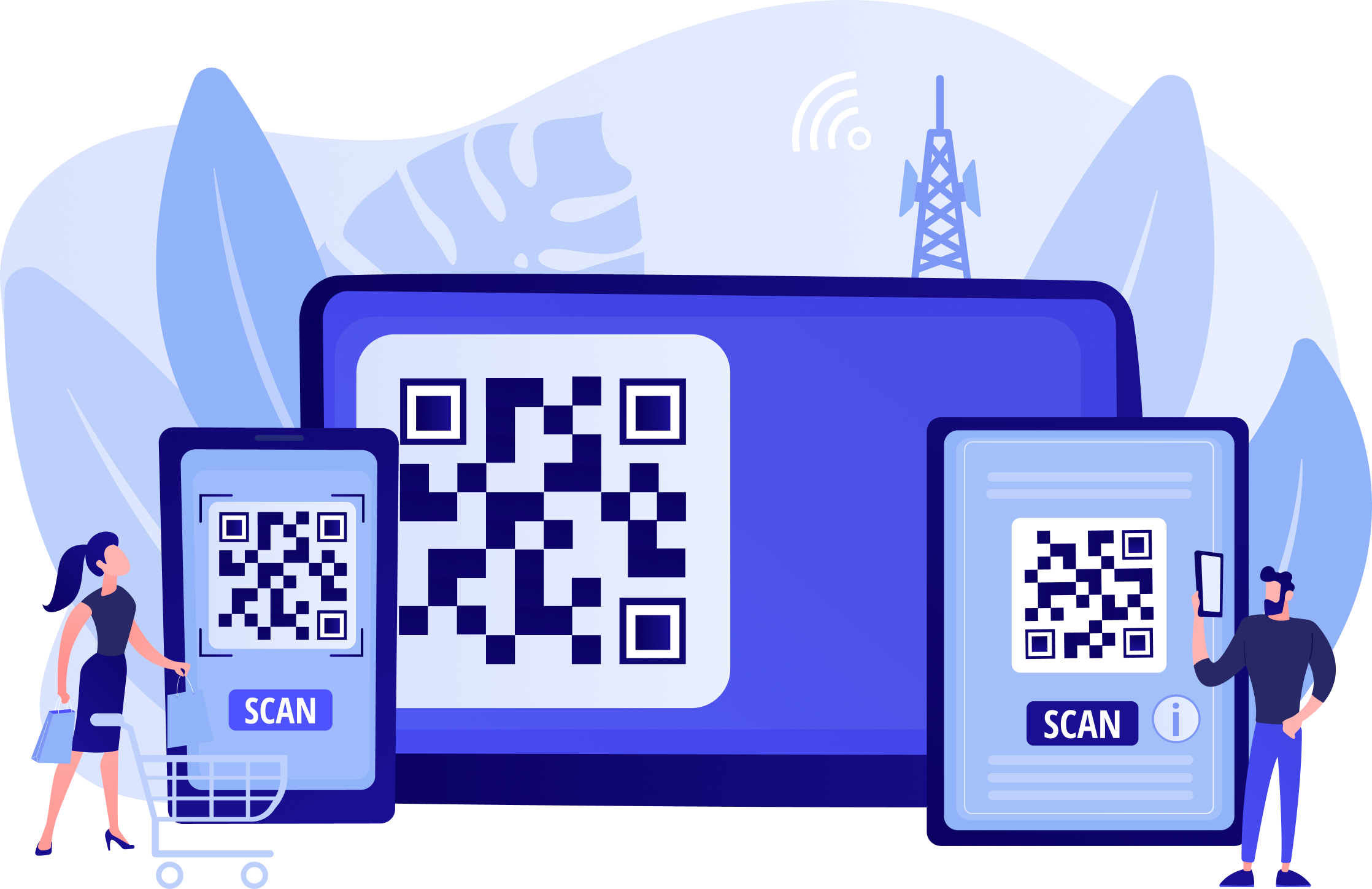
- Put the link to your app into the generator and save the square picture (the QR code).
- Print this QR code on a nice, clean piece of thick paper.
- Put one on the back of the passenger seats in every single car you own.
- Write above the code: "Scan this with your camera to book your next ride 50% faster."
That's it! You don't need a huge marketing team. Start with a $20/day total budget across Google and Facebook, write one blog post a week, and put QR codes in your cars. Watch your app downloads grow!